

Beschreibung
DashClean is a lightweight and powerful tool designed for WordPress developers, agencies, and site owners who want a cleaner, faster, and more professional admin experience.
Unlike other heavy „branding“ plugins, DashClean is built with a performance-first mindset—modules are only loaded when enabled, and your database remains clean.
Key Features:
- Modular Architecture: Enable only what you need (Dashboard Widgets, Menu Cleaner, Admin Bar, etc.).
- Performance Engine: Remove Emojis, jQuery Migrate, and Header junk with a single toggle.
- Role Manager: Force specific dashboard rules for Editors or Clients while keeping your Admin account full-access.
- One-Click Presets: Instant configurations for „Client Mode“, „Developer Mode“, and „Blogger Mode“.
- Secure Data Handling: Import and Export your settings between sites easily.
- White-Label Friendly: Declutter the WordPress UI to give your clients a focused experience.
Screenshots
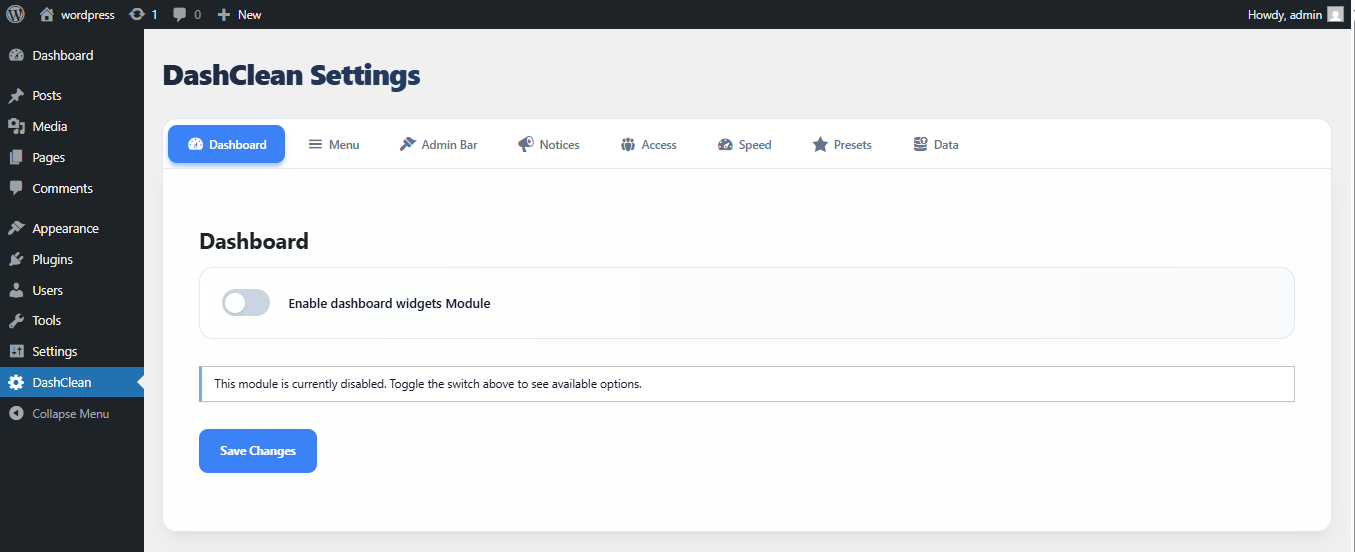
The Dashboard Widgets cleaner. 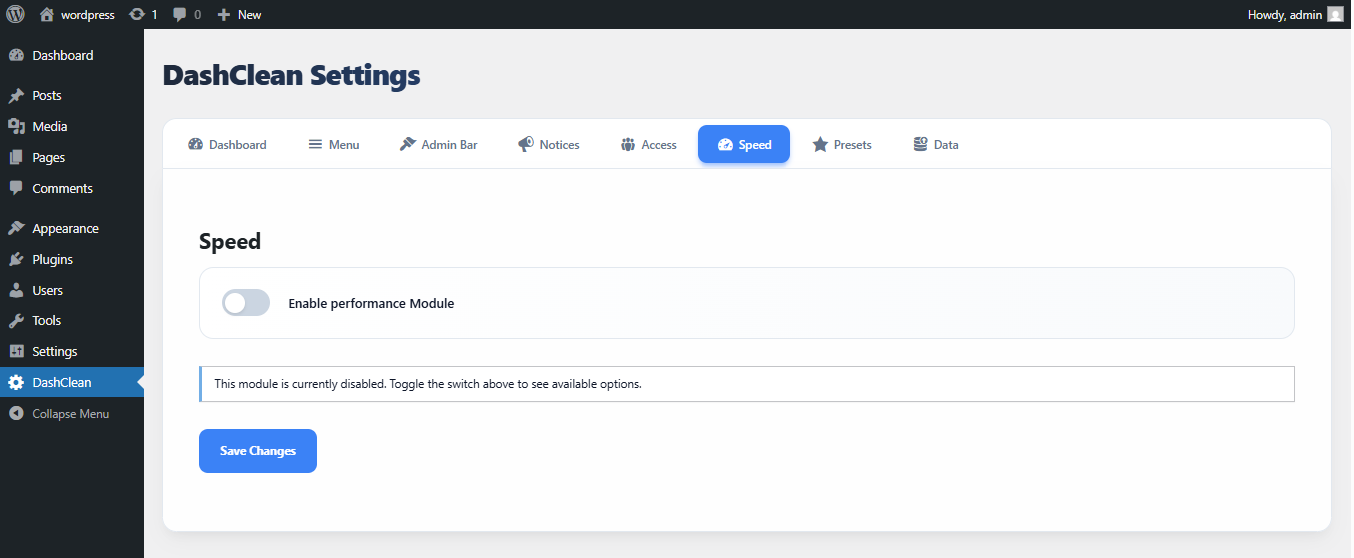
Performance optimization settings. 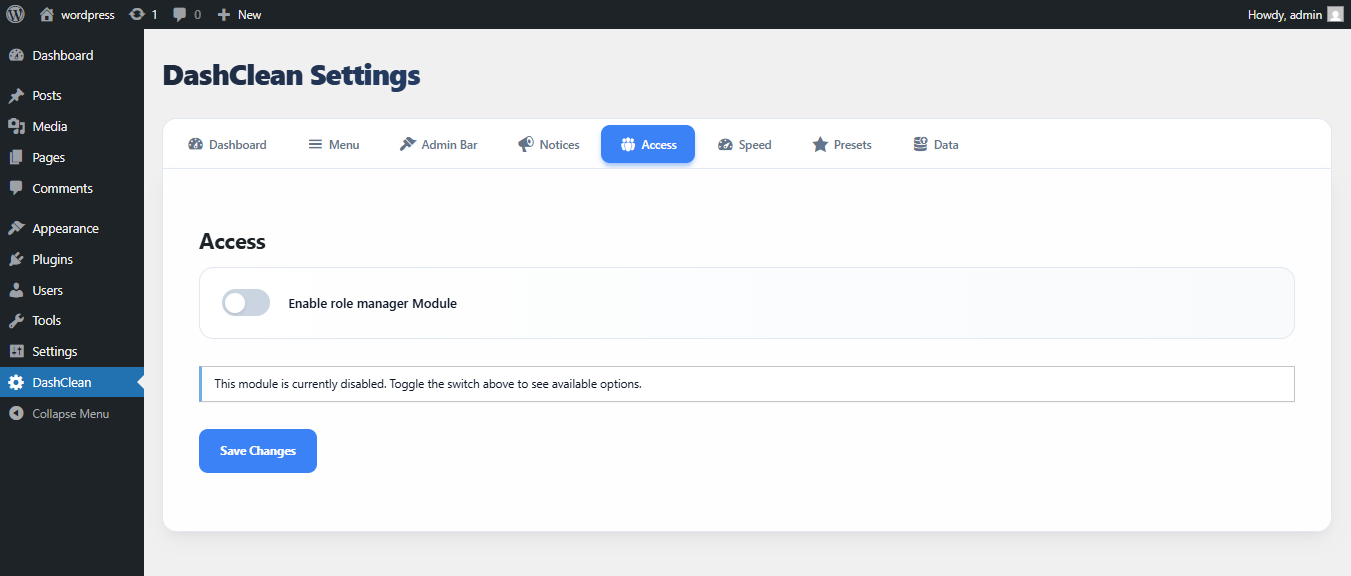
Role-based visibility controls.
Installation
- Upload the
dashcleanfolder to the/wp-content/plugins/directory. - Activate the plugin through the ‚Plugins‘ menu in WordPress.
- Go to the ‚DashClean‘ menu in the sidebar to configure your settings.
FAQ
-
Is DashClean free?
-
Yes, DashClean is 100% open-source and free to use.
-
Will this slow down my site?
-
No. DashClean is optimized to use minimal resources. Modules that are not enabled do not load any code.
-
Can I hide the plugin settings from my clients?
-
Yes, use the „Role Manager“ to ensure only Administrators can see the DashClean menu.
Rezensionen
There are no reviews for this plugin.
Mitwirkende & Entwickler
„DashClean“ ist Open-Source-Software. Folgende Menschen haben an diesem Plugin mitgewirkt:
Mitwirkende
Übersetze „DashClean“ in deine Sprache.
Interessiert an der Entwicklung?
Durchstöbere den Code, sieh dir das SVN Repository an oder abonniere das Entwicklungsprotokoll per RSS.
Änderungsprotokoll
1.0.1
- Corrected invalid Author URI
- Improved plugin header metadata
- Security and coding standards improvements
- Internal refactoring and cleanup
1.0.0
- Initial release.
- Modular cleaners for Dashboard, Menu, and Admin Bar.
- Performance optimizations.
- Presets and Data Portability.